
Enter your Gemini API key and paste any article — watch as it instantly transforms into a complete video script with AI-generated scenes, images, and voiceovers.✨
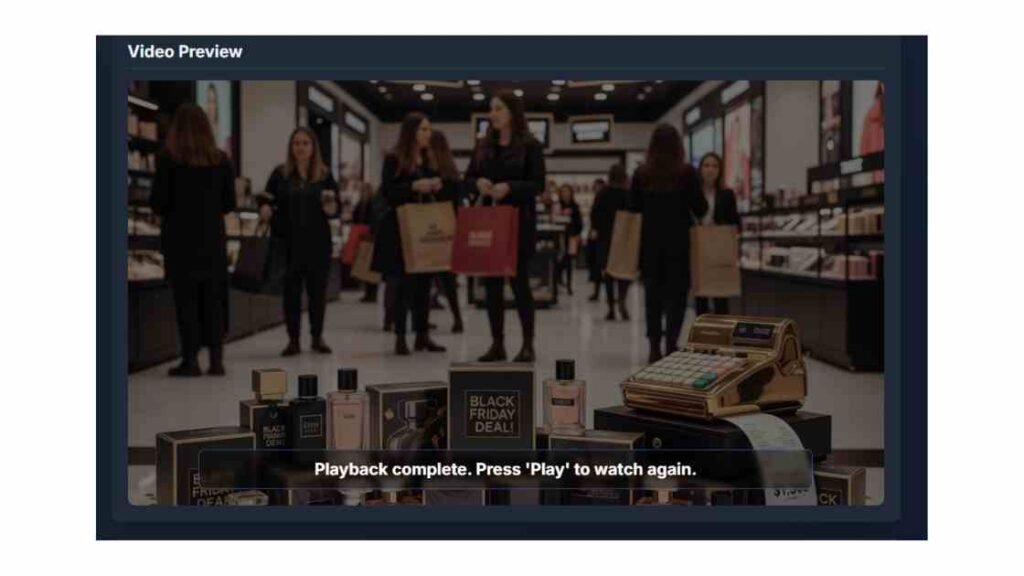
The AI Video Studio turns any long-form article into a finished, narrated video—directly in your browser. It uses Google Gemini to (1) condense your article into a scene-by-scene script, (2) generate an on-brand image for each scene at your chosen aspect ratio, and (3) produce a natural-sounding voiceover. You can preview the result like a video, export a WebM file, or download all media assets (script, images, audio) as a ZIP.
Everything runs client-side: the page talks to Google’s Generative Language API with your Gemini key; no server is required.
One-click pipeline: Article ➜ script (scenes) ➜ AI images ➜ AI voiceovers.
Flexible formats: 16:9 (landscape), 9:16 (vertical), or 1:1 (square) with live preview.
Duration presets: 30s (5 scenes), 60s (15 scenes), or 5 min (30 scenes).
Voice choices: Select from prebuilt voices (Kore, Zephyr, Puck, Algieba).
Smooth playback: Built-in player with cross-fades, subtle Ken Burns zoom/pan, and subtitle overlay.
Export options:
Render Video (WebM) — records canvas + mixed audio.
Download All Assets (ZIP) — script, per-scene PNG/WAV, and a JSON config.
Resilient by design: Automatic retries on rate limits; graceful fallbacks for image/audio failures.
Script Generation
Sends your article to Gemini (model: gemini-2.5-flash-preview-05-20) with instructions to produce up to N sentences—one sentence per scene.
The code parses those sentences into a scene list.
Image Generation
Requests a scene image from gemini-2.5-flash-image-preview, explicitly asking for the exact pixel size that matches your selected aspect ratio (e.g., 1280×720).
Returns data URLs (base64 PNG). If generation fails, a fallback placeholder image is used so the flow continues.
Voiceover Generation
Calls gemini-2.5-flash-preview-tts with your selected voice.
The API returns PCM audio; the app converts it to WAV (in-browser) so it can be previewed, mixed, and exported.
Preview Player
The viewer displays each scene with a cross-fade, subtitle panel, and a gentle Ken Burns effect (slow zoom/pan).
Audio per scene is scheduled precisely via the Web Audio API so visuals and narration sync.
Rendering & Downloading
WebM export: Captures a hidden canvas stream (video) and the mixed audio track, encodes to VP8/VP9, and downloads the finished .webm file.
ZIP export: Uses JSZip + FileSaver to package the final script, config, and all scene media.
Paste Your Gemini API Key
Required for script, images, and TTS. Your key is only used in the browser.
Choose Settings
Video Duration: 30s (5 scenes), 60s (15 scenes), or 5 min (30 scenes).
Voiceover Voice: Kore, Zephyr, Puck, or Algieba.
Aspect Ratio: 16:9, 9:16, or 1:1. The live preview updates and placeholder resolution changes accordingly.
Paste Article Content
Provide at least a few paragraphs (the app asks for ≥ 50 characters).
Click Generate Script, Scenes & Voiceover.
Watch the Progress
Step 1: Gemini condenses your article into a clean, sentence-per-scene script.
Step 2: For each scene, the app generates a perfectly sized image and a voiceover WAV.
Review Scenes
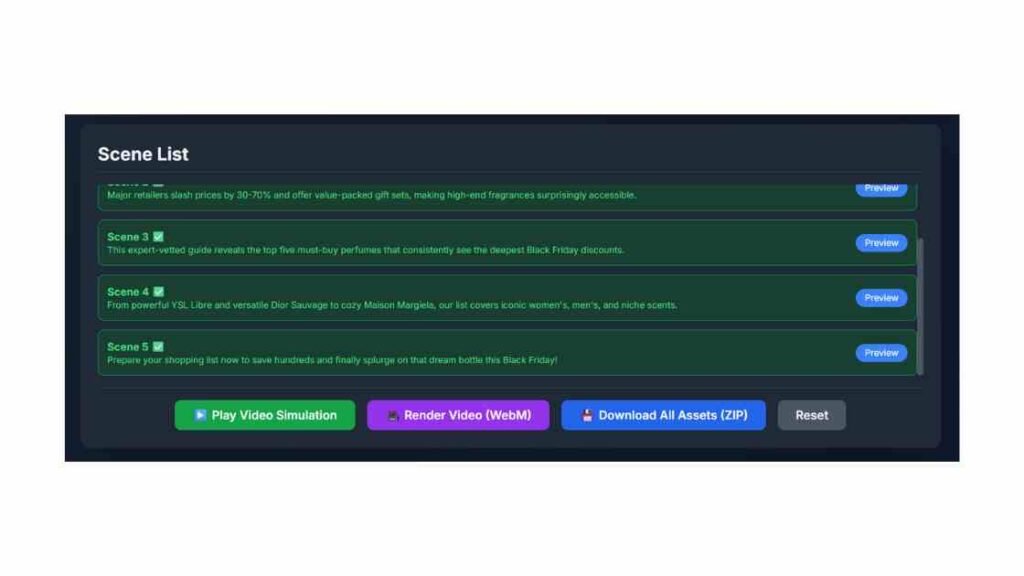
Use the Scene List to preview any individual scene (image + audio).
Click ▶️ Play Video Simulation to watch the full sequence with cross-fades and subtitles.
Export Your Results
🎥 Render Video (WebM): Exports a finished video file. (Tip: Convert to MP4 afterward if a platform requires it.)
💾 Download All Assets (ZIP): Gets video_script.txt, video_config.json, and /assets containing NN_image.png, NN_audio.wav, and NN_text_content.txt for each scene.
Write for scenes: Clear, declarative sentences produce better pacing and voiceover timing.
Match the channel:
16:9 for YouTube & websites
9:16 for Shorts/Reels/TikTok
1:1 for feed posts
Keep it visual: Articles with concrete subjects, places, or actions yield stronger images.
Voice selection: “Kore” tends to sound firm/presentational; “Zephyr” is brighter; “Puck” is upbeat; “Algieba” is smooth.
“Please enter your Gemini API key”
Add your key; all generation calls need it.
Script generated, but some images fail
The app substitutes a fallback image so you can still preview and export. Re-run to try again, or shorten the script length.
Audio doesn’t play or stutters
Some browsers block autoplay with sound. Click once inside the page and try again; the app also adds error-handled fallbacks.
WebM export is slow/large
Longer durations and higher resolutions increase encoding time and file size. Consider shorter scripts or 720p.
Need MP4
Export WebM, then convert to MP4 in a video editor (or an offline tool like HandBrake).
Your API key is used only in your browser to contact Google’s API endpoints.
No server stores your article, key, images, or audio.
Downloads happen locally using object URLs and in-browser ZIP/video generation.
From £2.99/month + 2 extra months free
💜 30-day money-back guarantee
*This is an affiliate link — you get the same discount, and I may earn a small commission at no extra cost to you.
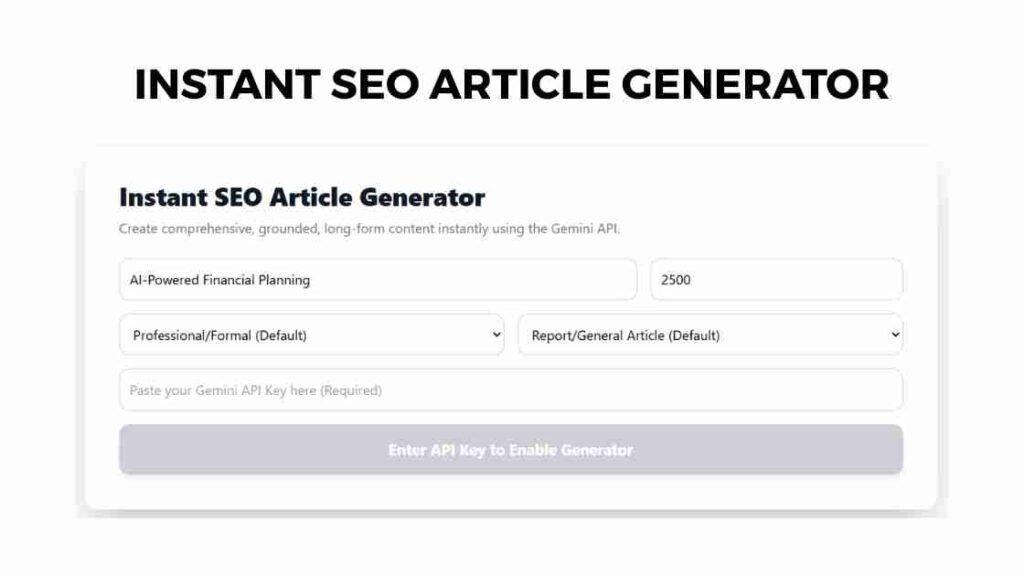
Experience the next generation of AI writing with our Instant SEO Article Generator — a powerful web tool that creates fully optimized, human-like long-form articles in seconds. Just enter your keyword, tone, and Gemini API key to generate detailed, publication-ready content tailored to your niche.r mattis, pulvinar dapibus leo.
From £2.99/month + 2 extra months free
💜 30-day money-back guarantee
*This is an affiliate link — you get the same discount, and I may earn a small commission at no extra cost to you.