
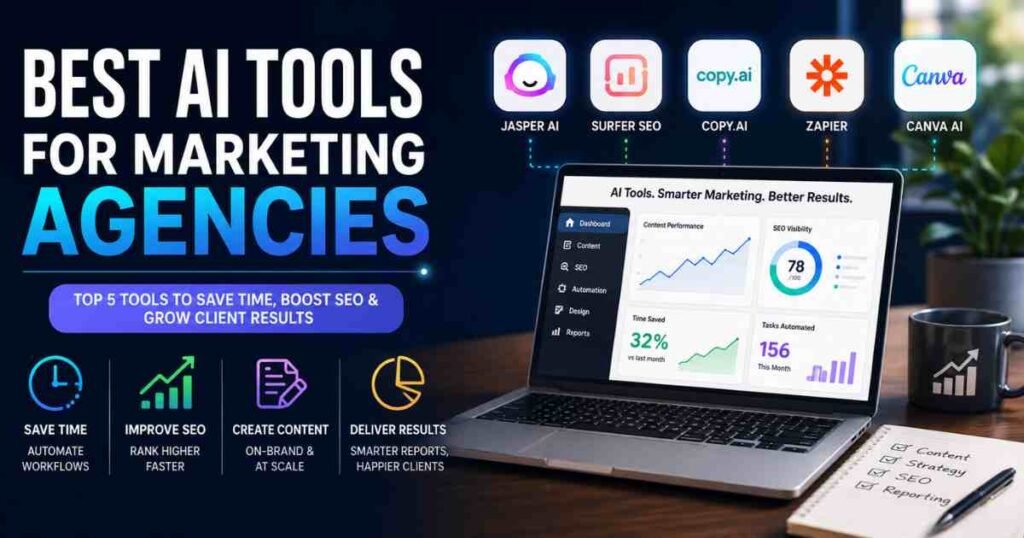
The best AI tools for marketing agencies right now are not the loudest names on social media. They are the quiet workhorses running inside every productive agency, cutting hours off content production, making SEO decisions faster, and keeping client reporting from consuming every Friday afternoon. As a business growth consultant at AI Genius Optimizer, I have worked with small and mid-sized marketing teams since 2019, and the shift I have seen over the past twelve months is significant. According to Gartner’s 2026 CMO Spend Survey, 75% of marketing leaders now report a positive ROI from AI investments, with the median payback period dropping to just 4.2 months, down from 7.8 months in 2024.
This article covers five tools I have genuinely tested with client agencies. I will give you honest pricing, real pros and cons, and a clear verdict on who each tool actually suits.
What to Look for in AI Tools for Marketing Agencies
Before committing to any platform, your agency needs to answer three questions. Does it integrate with the tools you already use? Will it maintain brand consistency across different clients? And does the pricing scale sensibly as your team grows?
Most agencies stumble on the second point. They adopt a generic AI writing tool and end up with copy that sounds identical across all their clients. The five tools below address this directly, either through brand voice settings, client-specific workspaces, or structured content workflows.
Key Capabilities Worth Paying For
The capabilities that genuinely move the needle for agencies are multi-client brand management, workflow automation between platforms, SEO content optimisation rather than just AI generation, and client-ready reporting that does not require manual reformatting. Keep those four priorities in mind as you evaluate any tool.
1. Jasper AI: Best for High-Volume Branded Content
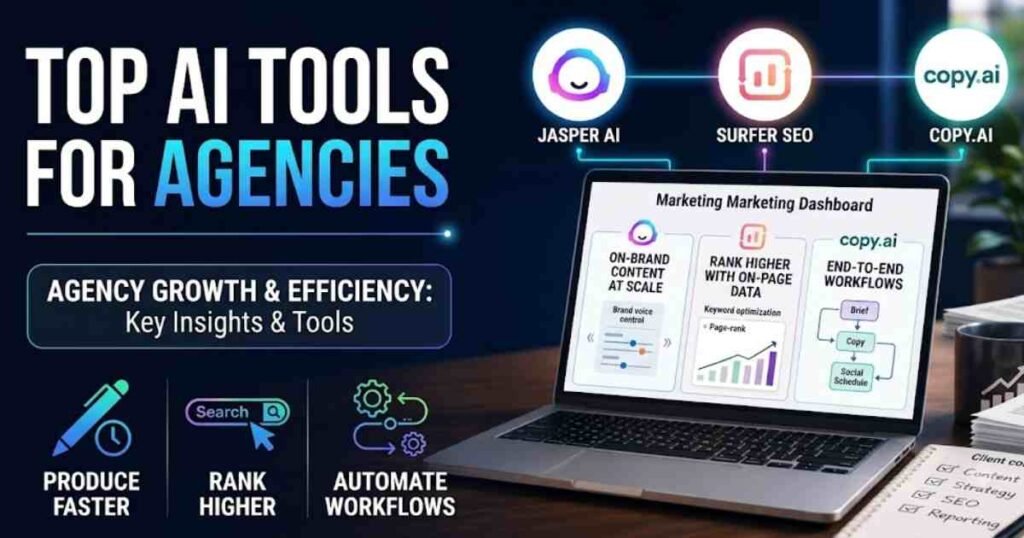
Jasper has made itself the go-to AI writing platform for agencies producing large volumes of on-brand copy. The feature that sets it apart from generic writing tools is the brand voice system. You upload a client’s existing content, set tone parameters, and Jasper generates blog posts, landing pages, and ad copy that actually sounds like the client wrote it.
I used Jasper with a mid-sized digital marketing agency based in Leeds for six weeks in early 2026. Writers who had previously spent around three hours producing a 1,000-word article were completing solid first drafts in forty to fifty minutes. The output still needed editing, but the starting point was strong enough to justify the subscription.
Jasper AI Pricing (Verified June 2026)
- Creator: $39/month (single seat)
- Pro: $59/month billed annually, up to 5 seats
- Business: custom pricing, unlimited seats, API access, dedicated support
Jasper AI Verdict
Pros: strong brand voice controls, large template library, solid multi-user workspace. Cons: the Pro plan gets expensive per seat once you scale past five users, and quality dips on technical or highly specialised content. Best for agencies doing high volumes of blog posts, landing pages, and campaign copy across multiple clients.
2. Surfer SEO: Best for SEO Content Strategy
Surfer SEO has become the industry standard for agencies that take content rankings seriously. It is not primarily an AI writer, although it now includes AI article drafts. Its real strength is the Content Editor, which analyses the top-ranking pages for a target keyword and tells your writers exactly how long an article should be, which related terms to include, and how frequently to mention them.
The difference between content that ranks on page one and content that sits on page four often comes down to on-page optimisation signals. Surfer makes those signals visible and actionable. That is why it appears in the SEO stack of most serious content agencies I work with.
Surfer SEO Pricing (Verified June 2026)
- Essential: $79/month billed annually ($99/month on monthly billing), 30 Content Editor articles/month
- Scale: $175/month billed annually, 45 Content Editor articles plus 30 AI articles/month
- Enterprise: custom pricing with white-labelling for agencies
Surfer SEO Verdict
Pros: precise on-page recommendations, strong NLP content analysis, direct integrations with Google Docs and WordPress. Cons: no backlink data, and there is a learning curve for writers who are new to SEO. Best for agencies with dedicated SEO teams managing content calendars for multiple clients.
3. Copy.ai: Best for End-to-End Marketing Workflows
Copy.ai has evolved well beyond its origins as a tagline generator. By mid-2026 it operates as a full GTM AI platform, combining a chat interface, over 90 content templates, and automated multi-step Workflows that handle repetitive production tasks without human intervention.
For agencies running social media campaigns at volume, the results are measurable. Copy.ai’s published case study data shows a digital marketing agency reporting a 40% reduction in time spent per social media campaign after implementation. That tracks with what I have seen in practice with smaller agencies, where the biggest savings come from automating sequences like brief to copy to social scheduling. Bear with me on this one if you have only used it as a writing tool: the Workflow builder is where the real efficiency gains are.
For a deeper look at the platform, read the Copy.ai review 2026 on AI Genius Optimizer.
Copy.ai Pricing (Verified June 2026)
- Free: limited credits
- Pro: $49/month ($36/month billed annually), 5 seats, unlimited content generation
- Team: $249/month, automation credits included for Workflow runs
- Growth: $1,333/month for high-volume production agencies
Copy.ai Verdict
Pros: strong workflow automation, unlimited content on paid plans, solid template library. Cons: the Workflow builder has a genuine learning curve, and copy quality needs editorial review before client delivery. Best for agencies automating repetitive content tasks such as social posts, email sequences, and product descriptions.
4. Zapier: Best for Connecting Your Agency’s Tech Stack
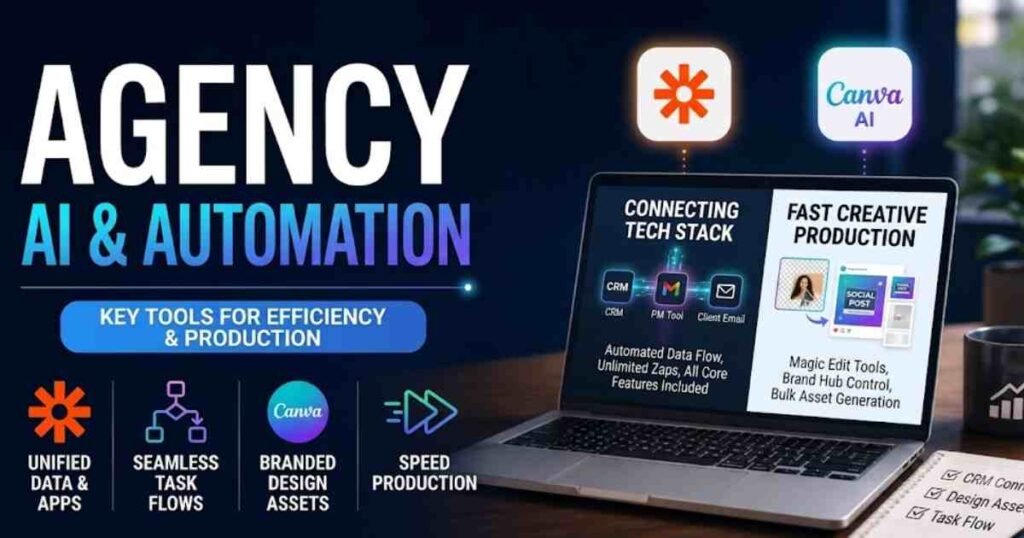
No single AI tool runs an entire agency. You will always have a CRM, a project management platform, a client communication tool, and a handful of specialist tools on top. Zapier is what connects them so that data flows automatically rather than requiring someone to copy and paste between platforms.
The 2025 pricing restructure was significant for agencies. All plans now include unlimited Zaps, Tables, Forms, and Zapier’s AI Copilot, with Filter, Formatter, and Paths steps no longer counting toward task limits. That removed a major friction point for agencies with complex, multi-step workflows.
In my consulting work, I have found that the agencies getting the best results from AI are not just using AI within individual tools. They are connecting those tools together so that a new client lead can trigger an AI-drafted welcome email, update the CRM, notify the project manager, and create an onboarding task list without a human touching it. That kind of automation is now accessible without any coding knowledge. If you want to understand the full picture of what automation can do for your business, our guide on how to automate your business with AI covers the broader strategy.
Zapier Pricing (Verified June 2026)
- Free: 100 tasks/month
- Professional: $19.99/month, 750 tasks
- Team: $69/month, 2,000 tasks, shared workspaces, app connections
- Enterprise: custom pricing
Zapier Verdict
Pros: 7,000+ app integrations, AI Copilot simplifies building automations, all core features now bundled into plans. Cons: task limits on lower tiers can become restrictive for very high-volume agencies. Best for any agency wanting to automate cross-platform workflows between their existing tools.
5. Canva AI: Best for Creative Production at Speed
For agencies managing design alongside content, Canva’s AI suite has become a practical part of the production stack. Magic Write handles quick copy drafts, Magic Design generates layout concepts from a text prompt, and the AI background remover saves real time on product photography edits.
The key advantage for agencies is the Brand Hub, which locks in fonts, colours, and logos so that client-specific templates stay consistent regardless of who on the team is working on a design. Canva AI will not replace a senior designer’s creative judgment on complex campaigns. For social media graphics, presentation decks, and quick-turn client materials, the speed is genuinely useful. I know it sounds too simple for an agency stack, but the hours saved on routine creative production add up faster than most agency principals expect.
Canva Pricing (Verified June 2026)
- Free: basic features, limited Brand Kit access
- Pro: $15/month per user
- Teams: $10/user/month billed annually (minimum 3 users, includes Brand Hub with template locking)
- Enterprise: custom pricing
Canva AI Verdict
Pros: intuitive interface, strong brand management tools, full AI suite included with paid plans. Cons: not a substitute for specialist design software on complex creative projects. Best for agencies producing high volumes of social media graphics, client presentations, and marketing materials.
Quick Comparison: Best AI Tools for Marketing Agencies
| Tool | Best For | Free Tier | Starting Price (Annual) |
|---|---|---|---|
| Jasper AI | High-volume branded content | No | $39/month |
| Surfer SEO | SEO content optimisation | No | $79/month |
| Copy.ai | GTM AI workflows | Yes (limited) | $36/month |
| Zapier | Cross-platform automation | Yes (100 tasks) | $19.99/month |
| Canva AI | Creative production at speed | Yes (basic) | $10/user/month |
Which AI Tools Should Your Agency Choose?
If you are a small agency with three to five people and a limited budget, start with Copy.ai and Zapier. Together they cover content production and workflow automation for under $90 a month, which is a realistic entry point for most independent agencies.
If your agency’s primary value proposition is content marketing and SEO, Jasper plus Surfer SEO is the standard pairing. Use Jasper for volume production and Surfer for optimisation before publishing. They integrate directly, which saves another step from the workflow.
Canva Teams is worth adding to the stack regardless of your primary focus if design is a regular service line. The Brand Hub alone saves more time than most agencies realise until they start using it properly.
For a broader view of AI tools across different business types, see our roundup of the best AI tools for small business in 2026, and if you are specifically reviewing options for customer-facing roles, our best AI tools for customer service guide is worth reading alongside this one.
Frequently Asked Questions
What is the best AI tool for a marketing agency on a tight budget?
For agencies watching spend, Copy.ai’s Pro plan at $36/month (billed annually) offers the strongest combination of content production and workflow automation at that price point. Pair it with Canva’s free tier for design basics and Zapier’s free plan for simple automations, and you have a functional starting stack for under $40 a month.
Can AI tools replace human marketers at agencies?
No, and the agencies approaching it that way are making a strategic error. AI tools handle production tasks: drafting, formatting, scheduling, and reporting. The work that drives client results, strategy, creative direction, audience insight, and relationships, still requires human expertise. The agencies performing well in 2026 are using AI to eliminate the execution bottleneck so their people can focus on higher-value work.
How long does it take to see ROI from AI tools as a marketing agency?
According to Gartner’s 2026 data, the median payback period on AI tooling for marketing teams is 4.2 months, down from 7.8 months in 2024. In practice, the agencies I work with typically see measurable time savings within the first four to six weeks, particularly on content production. The key is embedding one tool properly before adding the next.
Do AI content tools hurt SEO?
Not when used correctly. Tools like Surfer SEO are specifically designed to improve content’s search performance. The risk comes from over-reliance on unedited AI output. Google rewards helpful, accurate, well-structured content regardless of how it was produced. Generic content that adds no real value is a problem whether a human or an AI produced it.
How do I manage AI tools across multiple clients without mixing up brand voices?
The tools on this list all offer client-specific brand management. Jasper’s brand voice settings store separate configurations per client. Copy.ai’s workspaces keep projects separated. Canva’s Brand Hub locks in visual guidelines per brand. Setting these up properly takes two to three hours per client initially, but it saves significant re-editing time and prevents the embarrassing situation of delivering copy to one client that sounds like another.
The most effective approach is to start with one tool, build a clear process around it, and expand your stack once that first tool is properly embedded in your workflow. Picking five tools and using them all at 20% capacity delivers far less value than using two tools with full depth and consistency.
This article was written by Jordan Clarke for AI Genius Optimizer. Some links in this article are affiliate links. If you purchase through them, we may earn a commission at no extra cost to you. We only recommend tools we have personally tested and genuinely rate.